In this guide
Preserve issuer and verification conditions through headlines, captions and handout edits.
Small words can carry the real answer
A feature statement often has a condition: a program, an issuer, an account status or an action the cardholder must complete. Removing that condition can change the claim entirely. The current Corpay Prepaid page contains program and issuer qualifications. An older promotional blog about identity verification should not be used to erase them or to promise a feature to a particular employee.
Edit the claim as a unit
Treat the feature and its condition as one editorial unit. If a designer moves the condition to a distant footnote, ask whether the main sentence still communicates the same meaning. A reader using a phone, screen reader or printed extract should not have to discover a separate page to learn that the highlighted feature may not apply.
Check every compressed version
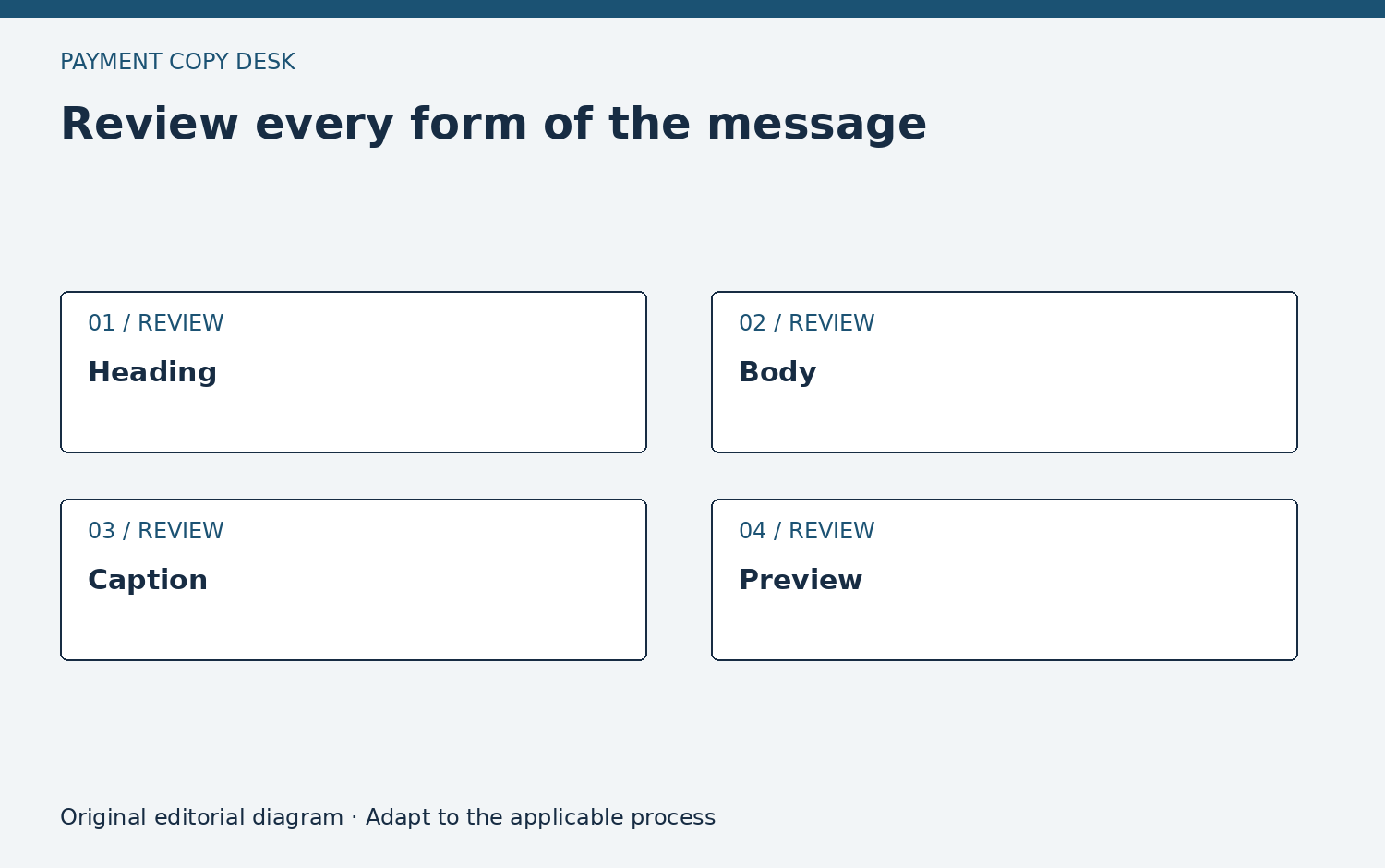
Workplace information travels through email subjects, poster captions, onboarding slides and chat previews. Make a short version that preserves the boundary rather than cutting a long sentence at an arbitrary character count. “Check your program’s transfer terms” may be more accurate than a universal promise when the intended audience includes different cards.
Check what the grammar attaches to
A condition can be present but attached to the wrong claim. In a sentence listing three features, a final phrase such as “where available” may leave readers unsure whether it limits one feature or all three. Split the sentence when necessary. Put each feature next to the condition that applies to it and avoid implying that the same eligibility rule covers unrelated functions. The current public provider page is an example of why scope matters: different statements concern product purpose, verification and issuing-bank restrictions. A workplace summary should not flatten those distinctions into one generic disclaimer. The appropriate program owner must confirm the wording used for a specific employee group.
A hypothetical edit
A long draft correctly says that a feature depends on the issuing bank. A slide editor changes it to “All employees can use this feature.” The fix is not a smaller disclaimer at the bottom of the deck. Restore the condition in the visible line or remove the feature claim until the team can confirm which employees the slide addresses.
Design the shortest safe alternative
If a mobile notification has very little room, change its purpose from explaining the feature to directing the reader to a verified explanation. For example, a notification can announce that current program information is available in the employer’s established location without promising a specific feature. The longer destination then carries the applicable scope and source. Review the notification and destination together. If the destination is unavailable to the intended audience, the short message still has a usability problem even though it avoids an unsupported claim. The goal is a safe, usable information path, not simply adding enough caveats to protect an otherwise confusing sentence.
Use a scope pass
Highlight every word such as all, always, free, instant, automatic and guaranteed. Ask what evidence supports its breadth. Then highlight each limitation in the source and verify that the published wording preserves its practical effect. This is a review technique, not an assumption that promotional language is necessarily wrong.
Make uncertainty useful
If the program owner cannot confirm the feature, tell the reader what needs checking and through which established channel. Do not ask the employee to try an uncertain transaction as a test. The purpose of the handout is to reduce unsupported assumptions, not to turn readers into testers of the writer’s claim.
Reusable work card
Use these prompts in your organization’s approved process. They request no private account information and do not authorize a payment or account change.
- Highlight every universal word in the draft and ask what evidence supports the breadth of that wording.
- Mark issuer, program and verification conditions in the source before making a shorter employee-facing version.
- Read the heading without the footnote and decide whether it communicates an unsupported promise.
- Check that a translated or shortened version preserves the same practical condition as the approved sentence.
- Ask the program owner to resolve unclear applicability instead of inviting employees to test an uncertain feature.
- Keep the final condition next to the feature wherever the material is reused in a slide, poster or email.