In this guide
- A label is only a promise
- Keep three addresses distinct
- Test the editorial purpose
- A reachable link can still fail the task
- A realistic maintenance problem
- Account for copied and printed addresses
- Use an accountable link list
- Avoid overclaiming the audit
- Reusable work card
- Sources and scope
- Continue with a different task
Review employer handout links for destination, purpose and scope rather than judging them by their labels.
A label is only a promise
A link labelled “issuer statement” may land on a general homepage. A familiar brand in the anchor text may conceal a different destination. Review the actual destination and what it currently says. During this source review, the current site’s issuer-statement navigation led to its homepage; this publication therefore cites the homepage’s visible disclosures rather than pretending it found a separate issuer document.
Keep three addresses distinct
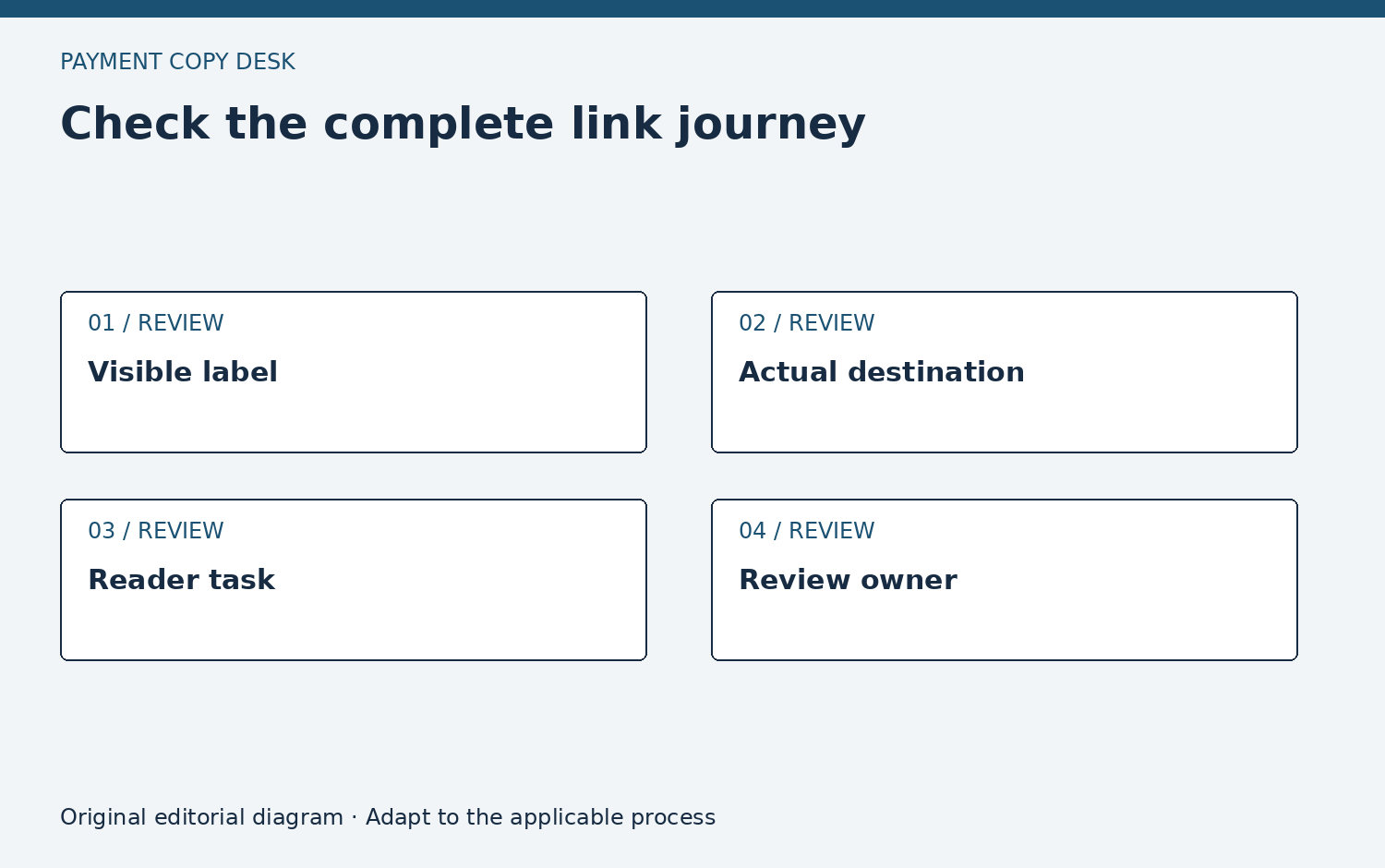
Record the address printed in the handout, the destination reached after navigation and the document the reader actually needs. They can differ for legitimate reasons, but that difference should be understood. A redirect is evidence of routing at the time checked. It does not prove the redirected page answers every question formerly addressed by the old page.
Test the editorial purpose
Open the link without supplying personal information. Check the page title, publisher, relevant passage and whether a sign-in is required. If the destination is an account service, say so in the handout; if it is a public explainer, do not label it as personalized support. Never ask employees to send a password or one-time code to the person maintaining a link list.
A reachable link can still fail the task
Consider a workplace notice that tells readers to “review the fee schedule” but links to a broad resource directory. The page may load correctly, use the expected brand and contain useful material. It still does not establish that the intended employee can identify the applicable schedule. The audit should flag a purpose mismatch rather than a technical failure. Ask the program owner for the precise approved resource or revise the notice to describe the directory honestly. If the applicable document is available only through an established employer or account channel, explain that boundary instead of choosing a public document from another employer because it is easier to link.
A realistic maintenance problem
Imagine a printed poster carries an old resource address. The address still works but now opens a resource directory with dozens of entries. The poster may be technically reachable and practically unhelpful. Revise the label to describe the directory, or choose a verified public source that serves the original task. Keep the employer’s official channel available for employees without convenient web access.
Account for copied and printed addresses
A URL may work when clicked but become ambiguous when printed across two lines, shortened by a messaging preview or copied with punctuation attached. Test the actual delivered form. Use descriptive link text in digital materials and a readable route in print, but do not rely on an unexplained third-party shortener for a consequential account destination. If a QR code is used, verify its destination against the printed route and keep a non-camera alternative. These checks concern the employer’s own asset. They do not establish that a destination is safe forever or authorize staff to test a private sign-in flow with an employee’s credentials.
Use an accountable link list
For each public link, keep an owner, purpose, last checked date and replacement decision. Check the link again when updating surrounding instructions, after a provider naming change, or when readers report a mismatch. A successful response code alone is not a content review.
Avoid overclaiming the audit
This process does not certify a website’s security, account availability or future reliability. It checks whether the visible public destination supports the handout’s stated purpose. Account sign-in and real transactions were not tested for this publication. When a destination cannot be verified, mark it unresolved and avoid presenting it as a confirmed route.
Reusable work card
Use these prompts in your organization’s approved process. They request no private account information and do not authorize a payment or account change.
- Record the human-readable label and actual destination separately, because a familiar label can outlive its original page.
- Check whether the destination is public information, a document, a resource directory or an account service.
- Confirm the relevant passage remains present; a successful page load alone does not establish continued usefulness.
- Describe redirects factually without treating them as proof that older instructions remain applicable.
- Test printed and digital versions of the route without entering account information or collecting employee credentials.
- Keep an owner and replacement decision for unresolved links so broken routing does not become permanent guidance.