In this guide
- Screenshots age differently from text
- Prefer a task description
- Redact before distribution
- When a screenshot contains the wrong lesson
- An example of a safer visual
- Review the file beyond the visible crop
- Attach an expiry trigger
- Check the finished handout
- Reusable work card
- Sources and scope
- Continue with a different task
Decide when a screenshot helps and when it creates an unsupported promise about an employee’s account.
Screenshots age differently from text
A screenshot is persuasive because it looks concrete. It can also hide the date, issuer, program and account state that made the screen possible. A public image of a feature is not evidence that every Fintwist or Corpay Prepaid reader will see it. For workplace materials, use a screenshot only when its purpose and source are clear and the organization has permission to use it.
Prefer a task description
If the goal is to explain where to ask a question, a short text description and verified official reference may outlast an image of a button. If the image is essential, state the date and context, and include a text alternative describing the task. Do not claim to have tested a private workflow when the image came from public marketing material.
Redact before distribution
Create training materials using approved demonstration content. Do not capture a real employee’s balance, card number, transactions, employer identifiers or messages for a general handout. Cropping may leave private details in the original file or document history. Use the organization’s approved redaction and review process rather than assuming a visible black rectangle removed the underlying information.
When a screenshot contains the wrong lesson
A screen can be visually accurate and pedagogically unhelpful. An image of a balance may draw attention to an invented amount when the real task is to locate an official help route. A button highlighted without its surrounding context may imply it appears for every user. Before retaining the image, ask what the employee should learn that cannot be expressed clearly in text. If the answer is simply that the product looks modern, the image is probably decoration rather than instruction. Prefer an original neutral diagram for relationships and a current approved source for actual account steps. Do not combine pieces from different screens into an apparently real interface.
An example of a safer visual
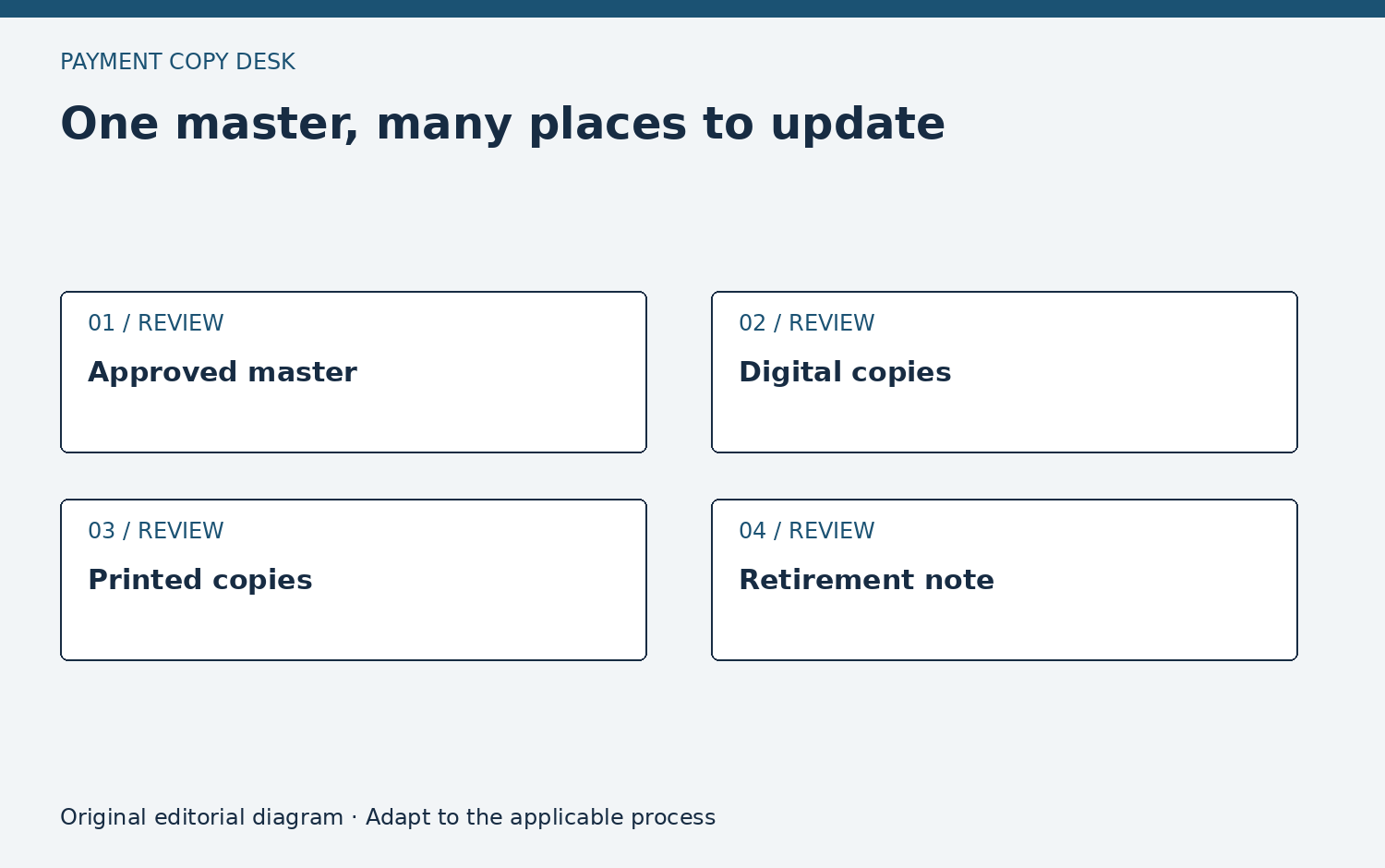
Instead of reproducing an account screen with a transfer button, draw a simple diagram showing “public overview → applicable terms → official account channel.” Label it an editorial diagram. It explains how to verify a claim without suggesting the writer accessed the reader’s account or knows which features are enabled.
Review the file beyond the visible crop
Workplace documents often preserve image originals, comments, alternative text and editing history. A cropped screenshot may still travel with information the viewer does not immediately see. The organization’s approved redaction process should address the actual file format and sharing method. For a public handout, a synthetic diagram avoids many of those problems because it never begins with private data. If the business genuinely needs a real screen for internal training, the authorized owner should define the demonstration environment, audience and handling controls. This publication does not certify a redaction method or encourage employees to supply their own account images to make the guide more convincing.
Attach an expiry trigger
Keep a note of why the screenshot exists and when to replace it. A redesigned app, changed product name, new issuer document or altered instruction should trigger review. Put the explanatory caption in the same document as the image so a later crop cannot silently remove its limitations.
Check the finished handout
Review the exported PDF or printed proof, not just the source file. Confirm text remains readable, the caption stays with the image and no private data appears in a filename or image description. If the visual is not necessary to complete the reader’s task, removing it may make the instruction more durable.
Reusable work card
Use these prompts in your organization’s approved process. They request no private account information and do not authorize a payment or account change.
- Identify the precise task the image teaches and remove it if ordinary text would serve the task better.
- Record where the image came from and what permission or approved internal process supports its use.
- Confirm that the image contains no actual employee account, identity or financial information.
- Write a caption describing date, context and limitations rather than implying a universal current interface.
- Provide a text alternative that explains the task, including important relationships or conditions shown visually.
- Inspect the exported handout at its intended size and retire the asset when its evidence or interface changes.